
Skip to content

Best Crypto Wallets Roundup

mm Alex Rivera
7 min read

Why Self-Custody Still Matters in 2026

Reviewed by Alex Rivera Updated
Key Takeaways

What to Know Before You Choose

  • Trezor Safe 7 offers the cleanest sleep-at-night recommendation with quantum-ready security and maximum transparency.
  • Ledger Flex delivers the best daily-driver experience for phone-first users with its secure E Ink touchscreen.
  • BitBox02 Multi is the minimalist high-signal choice for users who value disciplined habits and open-source security code.
  • MetaMask remains the default browser wallet for EVM app access when paired with hardware wallet approvals.
  • No legitimate wallet company will ever ask for your recovery phrase through email, pop-up, or support chat.
  • Buy hardware directly from the manufacturer and initialize the device yourself—never accept pre-configured wallets.
The Real Security Risks You Face

I'm writing this from the perspective of a software-and-cryptography practitioner who assumes your biggest risks are phishing, sloppy backups, and malware on your everyday devices. These aren't theoretical threats—they're the vectors that actually cost people funds in 2026.

The most secure device on earth won't save you if you type your seed into a fake support form or store it in cloud notes. Your wallet choice can't compensate for a compromised recovery phrase.

Hardware wallets are about keeping private keys off your daily-use device. Their security ceiling is much higher, but only if you buy from official channels, verify setup prompts on-device, and keep recovery phrases strictly offline.

Software wallets like MetaMask and Electrum are about speed and integration. They can be safe for smaller operational balances, especially when paired with hardware signing, but they are more exposed to malware, malicious extensions, and fake update prompts.

If you're not ready to protect a recovery phrase like it's a bearer bond, don't buy a hardware wallet yet—practice with a small balance in a software wallet, then graduate when your habits are solid.

Hardware wallets like Trezor Safe 7 and Ledger Flex keep private keys off your everyday devices, offering a much higher security ceiling when used correctly.

Tight Shortlist (Ranked Order)

Here's the shortlist I'd put in front of a careful U.S. user as of July 2026. These picks are based on security posture, transparency, and realistic daily-driver usability.

  1. Trezor Safe 7
  2. Ledger Flex
  3. BitBox02 Multi
  4. Ledger Stax
  5. MetaMask
  6. Electrum

Each wallet addresses different use cases—from quantum-ready hardware security to browser-based EVM app access.

Detailed Wallet Evaluations

Critical analysis of what actually keeps keys safe while still letting you send funds without second-guessing every tap

Hardware vs Software: Understanding the Trade-offs

Hardware Wallets

Hardware wallets like Trezor Safe 7, Ledger Flex, BitBox02 Multi, and Ledger Stax are about keeping private keys off your daily-use device. Their security ceiling is much higher, but only if you buy from official channels, verify setup prompts on-device, and keep recovery phrases strictly offline. The boot/update chain and device authentication are treated as first-class security surfaces, not afterthoughts. You also get on-device transaction review that reduces the chance of mis-reading critical details during signing.

Software Wallets

Software wallets like MetaMask and Electrum are about speed and integration. They can be safe for smaller operational balances, especially when paired with hardware signing, but they are more exposed to malware, malicious extensions, and fake update prompts. MetaMask remains the default pick when you need broad compatibility with Ethereum-style apps across desktop browsers, with a mature mobile app as a companion. Electrum is the most defensible answer for desktop Bitcoin users who want SPV verification and advanced workflows.

The Decision Framework

If you want one wallet to anchor long-term self-custody, choose hardware and commit to disciplined backups—it's the best blend of high-end security design and day-to-day usability. Choose software wallets for speed and integration with smaller operational balances. The practical scorecard for the top pick: Trezor Safe 7 earns an overall rating of 8.9 out of 10, with security architecture at 9.5, transparency and verifiability at 9.2, ease of use at 8.4, ecosystem coverage at 8.1, and value at 9.0.

Trezor Safe 7: Best Overall Security Posture

If your priority is owning your keys with maximum transparency, Trezor's Safe 7 is the cleanest sleep-at-night recommendation right now. Trezor positions Safe 7 as a quantum-ready hardware wallet with a next-gen Secure Element design, and the practical benefit isn't sci-fi—it's that the boot/update chain and device authentication are treated as first-class security surfaces, not afterthoughts.

Pre-Flight Checklist Before Moving Funds

A quick pre-flight checklist before you move serious funds to ensure your setup is secure and verified.

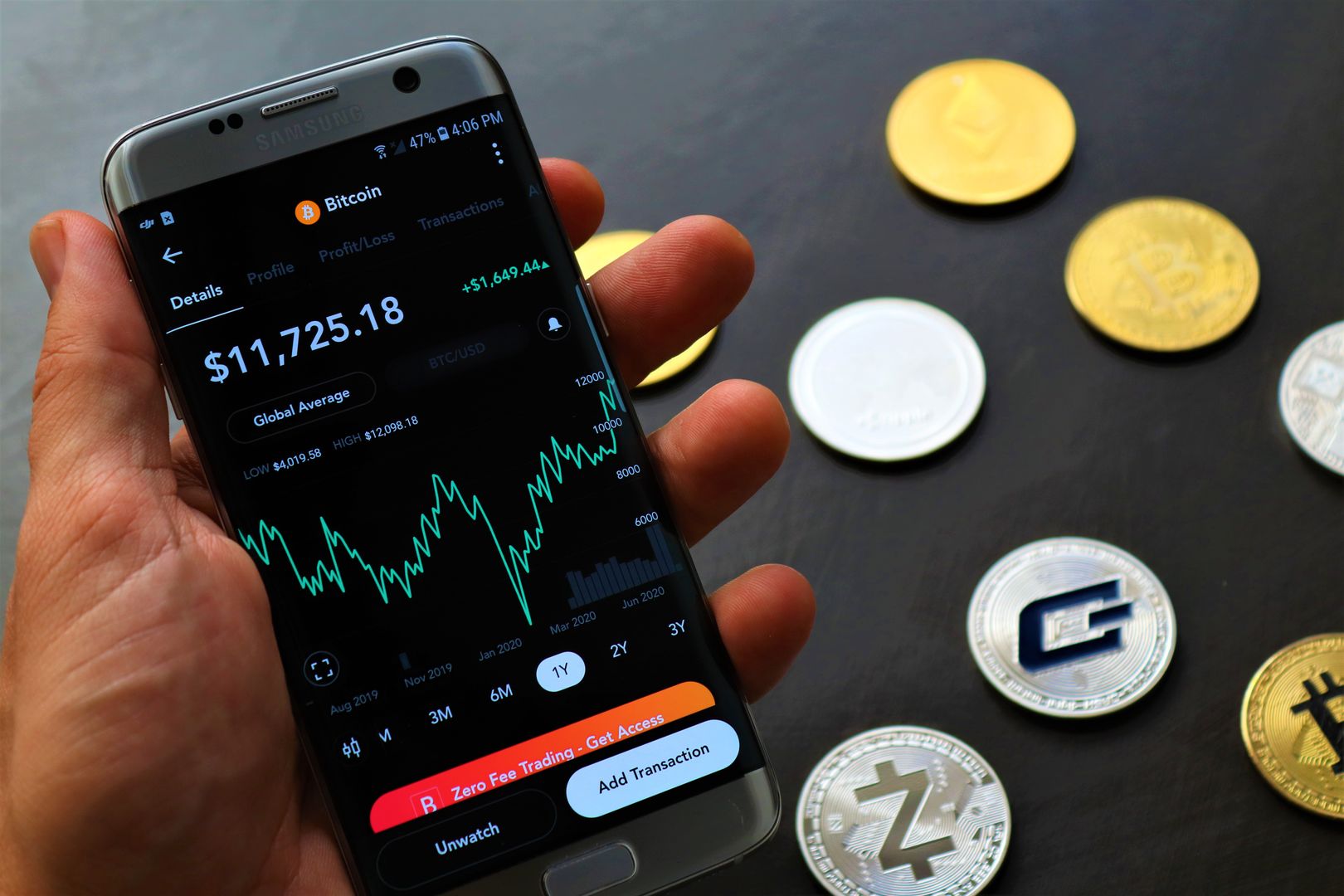
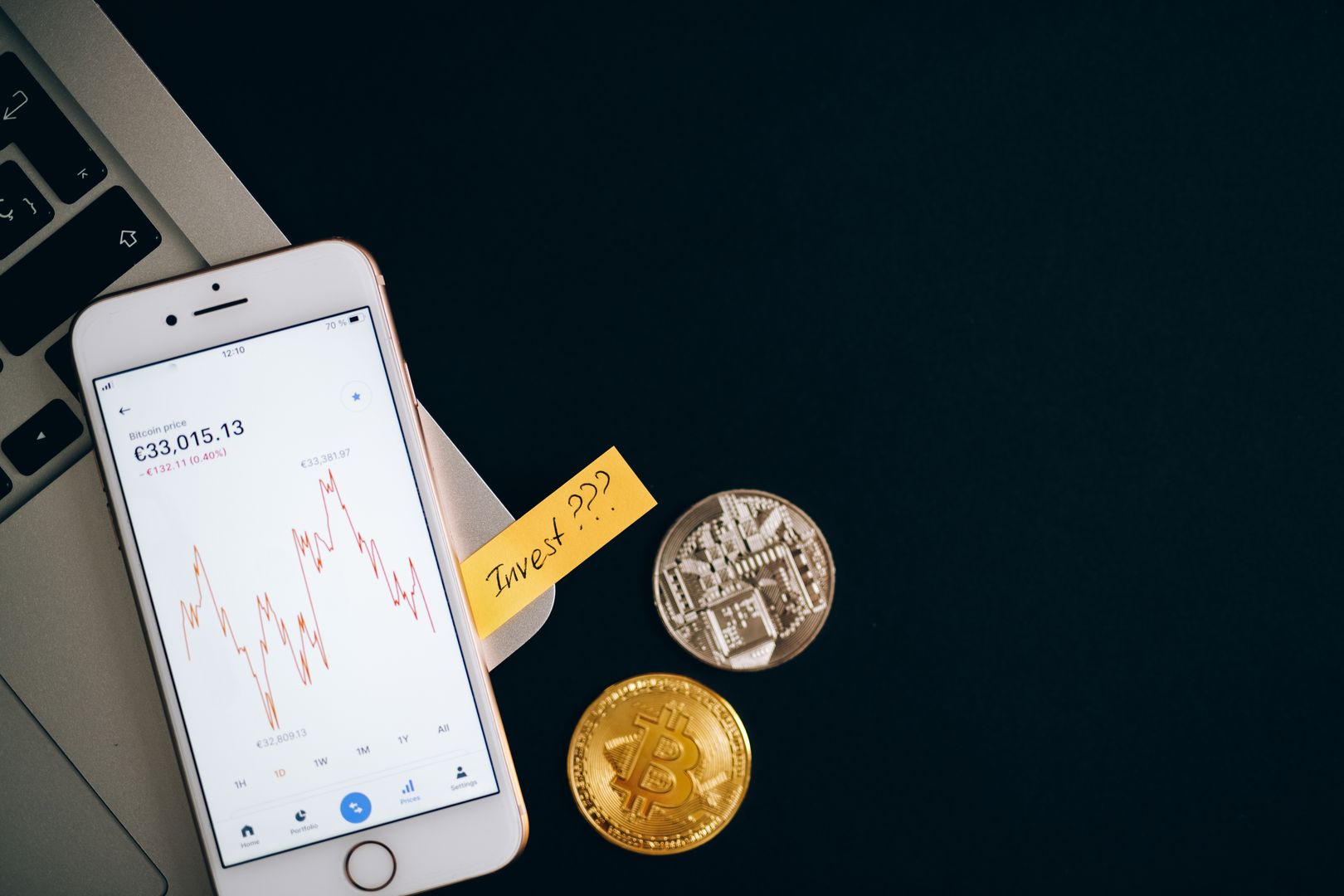
  • A smartphone displaying cryptocurrency prices beside coins and a laptop, symbolizing investment.

    Buy Direct

    Buy hardware directly from the manufacturer or an authorized retailer you can verify.

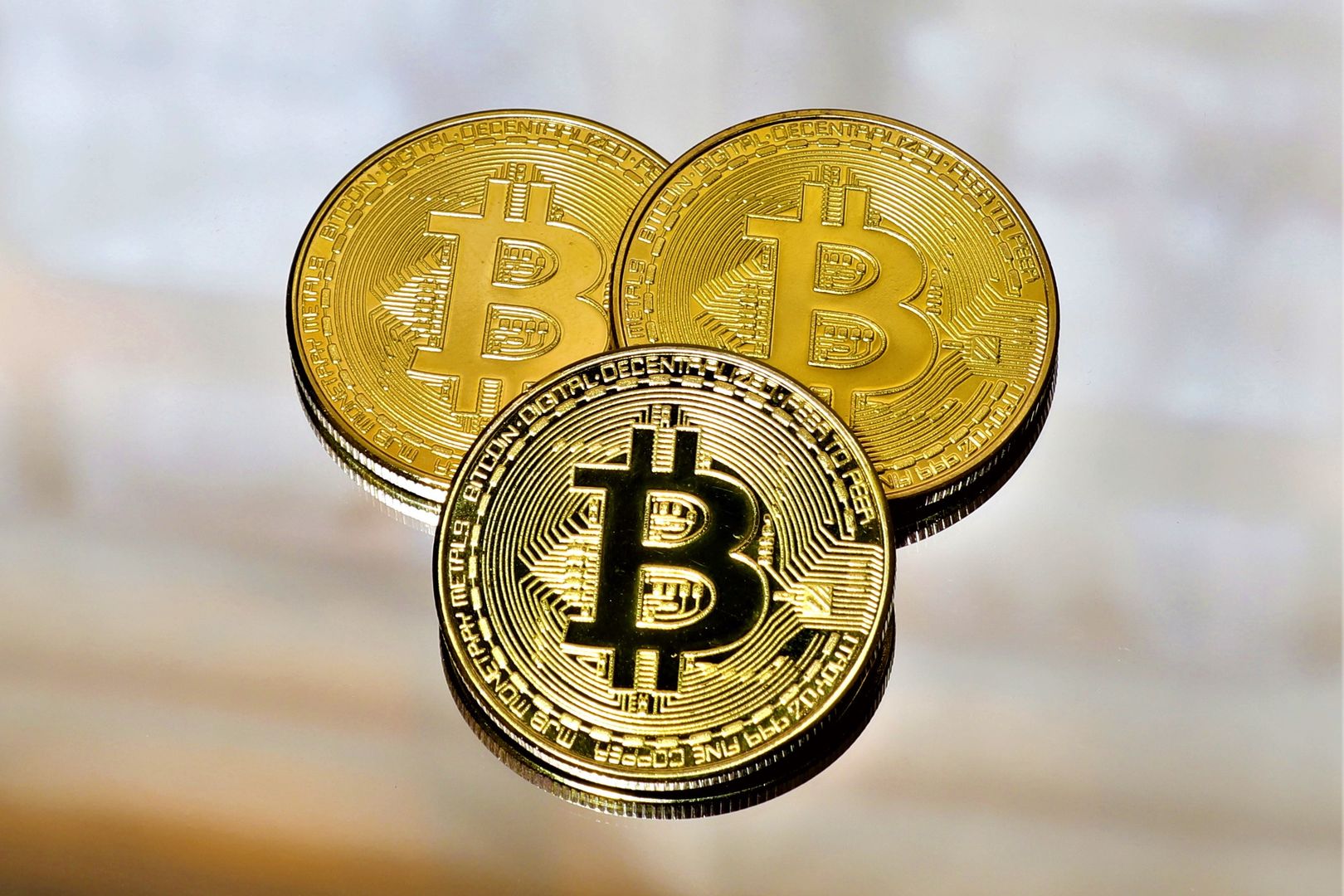
  • Close-up of a smartphone app showing Bitcoin trading details with crypto coins on a black surface.

    Initialize Yourself

    Initialize the device yourself—never accept a pre-configured wallet.

  • Close-up of three gold Bitcoin coins on a reflective surface highlighting cryptocurrency and finance.

    Verify On-Device

    Confirm the receiving address on the device screen, not just on your phone or PC.

  • A detailed image of a Bitcoin cryptocurrency coin with a neutral background, symbolizing digital finance and currency.

    Test Recovery

    Do a small send/receive test and a recovery test before you treat the setup as real.

Read Testing Guide
8.9 / 10

Trezor Safe 7 Scorecard

Safe 7's security posture is excellent, with the main compromise being that convenience and breadth don't always beat the most app-connected wallets.

Security Architecture
9.5
Transparency
9.2
Ease of Use
8.4
Ecosystem Coverage
8.1
Value
9.0

Ledger Flex: Best Phone-First Daily Driver

Ledger Flex earns its spot because it addresses the most common real-world failure mode I see: people using a hardware wallet, but still blind signing because the on-device UI is cramped. Flex's secure E Ink touchscreen (2.8-inch class) is a meaningful usability upgrade over button-only devices.

It's paired with a mainstream companion experience that many users can stick with. On the one hand, Ledger's hardware model (Secure Element-centric) is built around strong physical hardening.

On the other hand, if your personal threat model demands maximum openness end-to-end, Ledger's approach can feel less transparent than Trezor/BitBox-style ecosystems. In plain English: Flex is excellent for wallet ease of use and safer everyday confirmations.

But it's not the device I'd choose to satisfy I-want-to-be-able-to-independently-verify-everything purists. Still, for phone-first users who want a secure touchscreen and mainstream companion experience, it's the best pick.

Top Pick

Trezor Safe 7

Best overall security posture for careful self-custody users

  • Quantum-ready Secure Element design
  • Auditable security model
  • Touchscreen-and-haptics experience
  • Boot/update chain authentication
Learn More Specifications and features may change; verify current details with manufacturer before purchase.
Disclaimer This content is for informational purposes only and is not financial advice. Self-custody carries real risk, and you are responsible for securing your recovery phrase, devices, and transaction approvals.